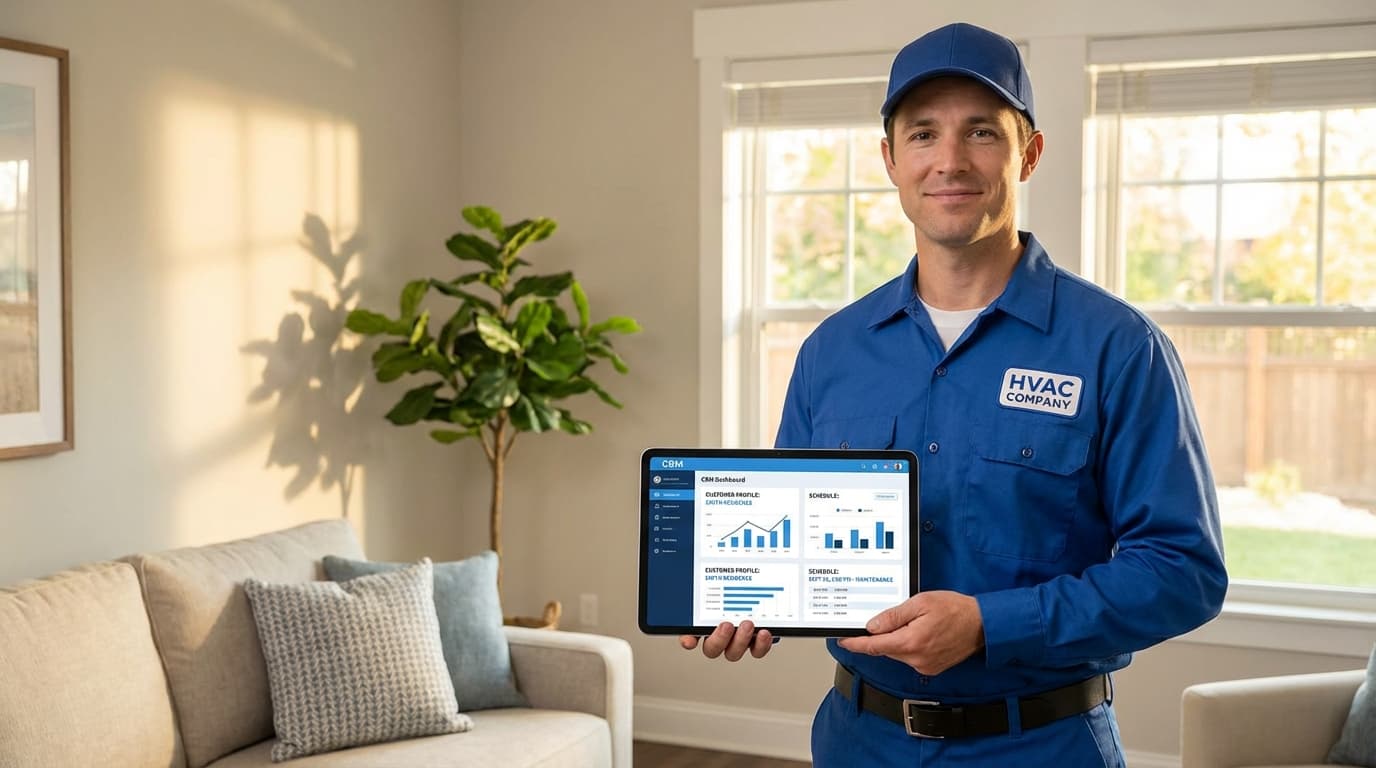
Here's the thing about scheduling software: most contractors already have it. A Google Calendar. Maybe QuickBooks. Some sticky notes.
The problem isn't that you lack a calendar. The problem is your calendar doesn't talk to your customer list.
So when someone calls for a quote, you open the CRM to see their history. Then you switch to your calendar to find an opening. Then you text your tech to confirm he's available. Then you call the customer back. Then you realize you just double-booked Tuesday afternoon.
A home service CRM with scheduling puts everything on one screen. No switching tabs. No double-bookings. No wondering if your tech has the right customer info.
Companies using integrated systems complete 37% more jobs per week than businesses juggling separate tools. Not because they work harder. Because they stop losing time to logistics.
This guide shows you what actually matters in CRM scheduling software, what features prevent the chaos, and how to pick a system that works for how you actually run jobs.
Why Your Calendar and CRM Need to Be Friends
Most contractors run two systems that should be one.
Your CRM knows everything about the customer. Previous jobs. What they paid. How they found you. Their preferred tech.
Your calendar knows when people are available. Who's booked. Which slots are open.
But neither system knows what the other knows. So you become the middleman. You translate between systems all day.
Here's what that costs you:
- You miss appointments because someone forgot to update both systems
- You double-book because you're looking at yesterday's calendar
- Your techs show up without knowing it's a callback from last month's problem
- Customers call asking where their guy is and you have no idea
- End of day you spend an hour reconciling what actually happened
One painting contractor told me he spent 90 minutes every night just matching completed jobs to the schedule. That's 7.5 hours a week of pure admin work.
Integrated home service CRM with scheduling fixes this by making your customer data and your calendar the same tool. When you book an appointment, the system already knows:
- Customer history from previous jobs
- Which tech worked with them before
- What equipment the job needs
- How long similar jobs usually take
- Where your techs are and who's closest
No switching screens. No copying info between tools. One system that knows everything.
This is what a proper home service CRM delivers when scheduling is built in, not bolted on.
What Actually Matters in CRM Scheduling
Not all scheduling features are equal. Some are must-haves. Some are nice-to-haves. Some are marketing fluff.
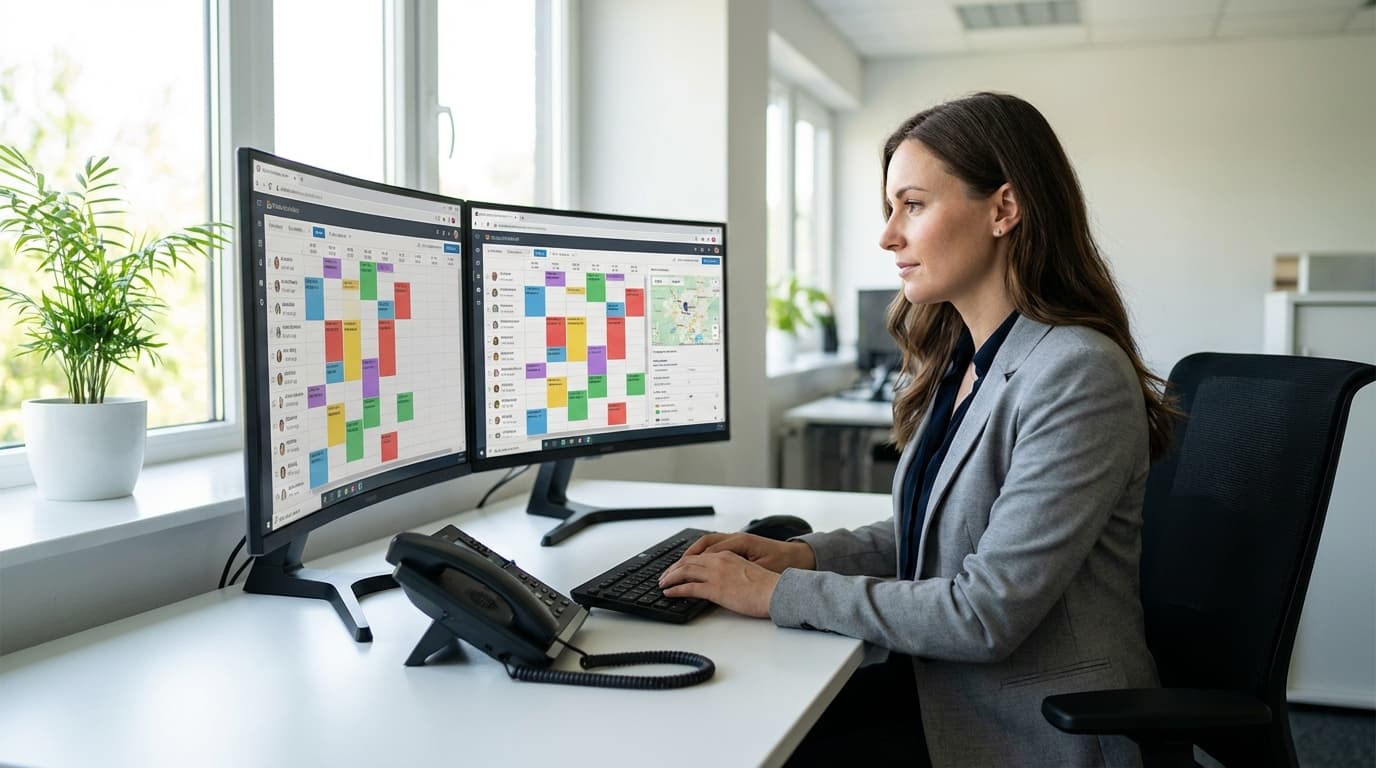
Drag-and-Drop Calendar That Shows Customer Info
You need to see your whole week at a glance. All your techs side-by-side. Color-coded by job type.
When you click an appointment, customer history pops up right there. No opening a new tab. No searching for their file.
Good scheduling shows you:
- Who's working what day
- Where they're going (map view)
- How long each job should take
- Which jobs are unassigned
- Real-time updates when techs finish early or run late
The best systems calculate drive time between jobs automatically. If a tech finishes an hour early, you instantly see nearby jobs you could slot in.
Matching Jobs to the Right Tech
Different jobs need different skills. Your CRM should know which tech has which skills.
A simple paint job? Send anyone. Complex cabinet refinishing? You need your guy with 10 years experience.
Your system needs to track:
| Skill Type | Why It Matters |
|---|---|
| Certifications | Lead paint removal certification, EPA licenses |
| Experience level | Senior tech for complex jobs, newer tech for routine |
| Equipment | Who has the sprayer, who has the specialty brushes |
| Customer preference | Mrs. Johnson liked Dave last time, send Dave again |
| Territory | Who knows that neighborhood |
Matching the right tech to the job reduces callbacks by 34%. You get it right the first time.
Many contractors waste time on this. If you're juggling CRM integration with other software, make sure your scheduling tool pulls skill data automatically.
Arrival Windows That Are Actually Accurate
Nobody wants "We'll be there between 8am and 5pm."
Your scheduling software should tell customers a realistic 2-hour window. And then actually hit it.
How good systems do this:
- They track how long each type of job actually takes
- They calculate drive time between addresses
- They add buffer time for complex work
- They update customers automatically when windows shift
Companies with accurate arrival windows get 41% higher satisfaction scores. Fewer angry calls. More referrals.
Automatic Job Reminders
Customers forget appointments. It's not personal. They're busy.
Your CRM should automatically text them:
- Confirmation when you book the appointment
- Reminder 24 hours before
- "Your tech is on the way" notification
- Follow-up after the job
Companies using automatic reminders reduce no-shows by 43%.
That's found money. Every no-show wastes a time slot you could've filled with a paying job.
Recurring Appointments
If you do maintenance contracts, you need recurring scheduling.
Monthly lawn care. Quarterly gutter cleaning. Annual HVAC tune-ups.
Good recurring scheduling:
- Sets appointments automatically based on contract terms
- Sends reminders before each visit
- Lets customers reschedule from their phone
- Tracks which visits are done, which are pending
- Alerts you when a contract customer is due
One HVAC company increased contract renewals by 28% just by automating quarterly appointment reminders. Customers renewed because they actually got the service they paid for.
This matters more if you're a small contractor trying to compete with bigger companies. Recurring revenue is your path to predictable income.
Real Scenarios Where Integration Saves You
Theory is nice. Here's how this works when chaos hits.
Emergency Call at 2pm
A pipe bursts. Customer needs someone NOW. You have four techs working.
Without integrated scheduling:
- Check CRM for customer address
- Call each tech to see who's where
- Guess who can leave their current job
- Call affected customers to reschedule
- Hope you got everyone's schedule updated
- Total time: 15-20 minutes of scrambling
With integrated CRM scheduling:
- System shows which tech is closest to emergency address
- Shows impact of pulling each tech from current route
- You click "assign" on best option
- System texts customer "Tech arriving in 23 minutes"
- System texts affected customers with new times
- System updates everyone's mobile schedule
- Total time: 2 minutes
One plumber told me integrated scheduling saved him 45 minutes per emergency dispatch. That adds up fast.
Booking a Complex Job
Customer calls about a big commercial project. Your basic techs can't handle it. And last time this customer called, there was a problem.
Without integrated scheduling:
- Search customer name in CRM
- Read through notes to find the previous issue
- Switch to calendar
- Look at open slots
- Guess which techs are qualified
- Text techs to confirm they can do commercial work
- Call customer back with available times
- Hope the tech you picked actually has the right experience
With integrated CRM scheduling:
- Customer name pulls up full history automatically
- System flags previous issue with notes
- Calendar filters to only show certified commercial techs
- Excludes the tech who had problems last time
- You offer times knowing the right person will show up
- Customer books on the spot
You look professional. Customer feels heard. Right tech gets assigned. Everybody wins.
Maintenance Season Surge
Fall hits. You need to schedule 400 customers for seasonal maintenance over 6 weeks.
Without integrated scheduling:
- Pull list of customers from CRM
- Manually check calendar for open slots
- Start calling customers one by one
- Keep spreadsheet of who's scheduled when
- Realize you accidentally scheduled three jobs at the same time
- Fix conflicts, call customers back
- Repeat for weeks
With integrated CRM scheduling:
- System pulls all customers due for service
- Auto-fills available time slots
- Groups nearby customers on same days to reduce drive time
- Sends email with booking link
- Customers pick their own time from your available slots
- System prevents double-booking automatically
- Results: 340 appointments booked in 4 days, 60% self-scheduled
The second approach lets you focus on doing the work instead of playing phone tag.
If you run a landscaping company with seasonal spikes, this kind of bulk scheduling prevents the annual scheduling nightmare.
Signs Your Scheduling Is Actually Integrated
Some CRMs claim they have scheduling. Then you click and it opens a separate tool in a new tab.
That's not integration. That's two separate things with a link between them.
Red flags for fake integration:
- "Scheduling module" is a separate screen
- Customer info doesn't appear on the calendar
- You have separate mobile apps for CRM and scheduling
- Changes in the field don't update the office immediately
- Reports come from two different places
Real integration looks like:
- Click a customer's name on the calendar and their full history pops up
- Click a time slot and the customer picker already knows their past jobs
- One mobile app that does everything
- Field updates appear everywhere instantly
- One report shows both customer data and scheduling metrics
If your scheduling feels like a separate tool, it probably is.
What This Actually Costs (and Saves)
Integrated systems often cost LESS than separate tools.
Separate CRM + separate scheduling = hidden costs:
- Two monthly subscriptions ($80-150/month total)
- Integration tool to sync them ($50-100/month)
- Time spent manually fixing sync errors (5-10 hours/week)
- Lost revenue from sync failures and double-bookings
- Training your team on two different systems
- Getting support from two different companies
Integrated CRM with scheduling:
- One subscription ($80-120/month)
- Zero integration maintenance
- Zero sync errors
- One training session
- One support contact
Companies switching from separate tools to integrated CRM scheduling save an average of $340/month in direct costs. Plus they get back 8 hours per week of staff time.
That's real money. Money you can put back into growth instead of feeding to software companies.
Picking the Right System for Your Business
Your company size matters. A 2-person painting crew needs different scheduling than a 20-tech HVAC company.
Small Contractors (1-5 Techs)
You need simple and cheap. Don't overpay for features you'll never use.
Focus on:
- Easy calendar that's obvious to use
- Mobile app that works when signal is weak
- Customer text notifications
- Affordable pricing (under $80/month)
- Basic skill tracking (certifications)
Skip:
- Complex dispatch optimization
- Territory management
- Advanced route planning
- Features that need a dedicated dispatcher
Mid-Size Companies (6-20 Techs)
You're big enough to need real features. Small enough to not need enterprise pricing.
Focus on:
- Advanced skill matching (experience + equipment + certs)
- Route optimization to reduce drive time
- Customer self-scheduling portal
- Capacity planning tools
- Multi-location support if you have multiple offices
Skip:
- Basic tools that won't grow with you
- Separate CRM and scheduling products
- Enterprise systems priced for 100+ techs
Large Operations (20+ Techs)
You need industrial-grade scheduling that won't break when demand spikes.
Focus on:
- Enterprise scheduling engine
- Advanced dispatch algorithms
- Custom workflow automation
- API access for integrations with accounting, payroll, etc.
- Dedicated account rep
Skip:
- Systems designed for small companies that hit limits at 15 users
- Tools with scheduling caps or job limits
Moving From Your Current System
Switching is scary. Your team relies on current tools. Customers expect consistency.
Here's how to switch without chaos:
Week 1-2: Get Ready
- Export all customer data from your current CRM
- Write down how you currently schedule jobs (every step)
- List any other tools that need to connect (QuickBooks, etc.)
- Pick your slowest week for the transition
Week 3-4: Set It Up
- Import customers with full history
- Set up your service types (interior paint, exterior paint, cabinet refinish, etc.)
- Add your techs with their skills and certifications
- Configure how much time each job type usually takes
- Test it with fake appointments
Week 5-6: Run Both Systems
- Keep using your old system
- Also put new jobs in the new system
- Compare them daily
- Fix any timing estimates that are way off
- Train your team while pressure is low
Week 7-8: Make the Switch
- Pick a Monday to cut over completely
- Turn off the old scheduling system
- Only use the new one
- Check in daily with your team
- Fix any issues immediately
Common mistakes:
- Switching during your busiest season (don't)
- Skipping the parallel running phase (bad idea)
- Not training your field techs properly (they'll resist)
- Forgetting to move recurring appointments (customers will be confused)
Track These Numbers
You need to know if your new system is actually working.
Before You Switch
Write down:
- How many jobs each tech completes per day
- What percentage of appointments are double-booked or rescheduled
- How many "where's my tech?" calls you get daily
- How long it takes to dispatch an emergency job
- How much overtime you're paying
After You Switch
Track the same numbers. You should see:
- 15-25% more jobs per tech per day
- 80%+ fewer double-bookings
- 60%+ fewer "where's my tech?" calls
- Emergency dispatch under 3 minutes
- Overtime dropping by 20-30%
If you're not seeing improvement in 60 days, something's wrong. Either you picked the wrong system or you didn't configure it right.
Quick Answers to Common Questions
How accurate are the arrival windows?
Good systems hit 85-92% accuracy on 2-hour windows. First month might be 70-75% while the system learns how long your jobs actually take. By month 3 you should be above 85%.
Can it handle different types of jobs?
Yes. A 1-hour paint repair schedules differently than a 3-day cabinet refinish. You configure each job type with its typical duration and the system schedules accordingly.
What if my tech runs late?
Best systems detect the delay through the mobile app and automatically text affected customers with updated times. You don't have to manually notify everyone.
Can customers book their own appointments?
Most good systems offer a customer portal where they see your available times and pick one that works for them. This reduces phone calls and no-shows.
What about recurring customers?
Set up recurring schedules based on contract terms (weekly, monthly, quarterly). System sends reminders before each visit and reschedules automatically.
Stop Losing Jobs to Scheduling Chaos
Most contractors don't have a talent problem. They have a logistics problem.
Your techs are skilled. Your prices are competitive. Your work is solid.
But you're losing jobs because you double-booked Tuesday. Or because you told a customer "sometime next week" and they called someone more specific. Or because your tech showed up to the wrong address with the wrong equipment.
A home service CRM with scheduling fixes the logistics. One screen. One system. Customer data and calendar together where they belong.
You book faster. Your techs arrive prepared. Customers get accurate windows and show up. You complete more jobs with the same number of techs.
What you should do next:
- Count how many apps you currently switch between to schedule one job
- Track how many scheduling errors happen in an average week
- Calculate how much revenue those errors cost you
- Find a system that eliminates the switching and prevents the errors
The gap between your current process and an integrated system is money sitting on the table.
Ready to stop juggling calendars and customer lists? Start your free trial with TruLine and see how integrated CRM scheduling works when everything's actually connected.