Best CRM for Small HVAC Business - Stop Losing $47K/Year
Your $1,400 ad spend last month brought in 47 leads.
You closed 4.
The other 43? They hired your competitor. Not because their price was better. Because they answered the phone in under 5 minutes while you were in a crawl space replacing a condensate pump.
Here's what nobody tells you about choosing the best CRM for small HVAC business operations: the expensive systems aren't built for 1-3 truck shops. They're built for 20-truck operations with full-time office staff.
You need something different.
This guide shows you exactly what works for small HVAC contractors who wear every hat—technician, salesperson, scheduler, and bookkeeper. We'll cover the 5 features that actually matter, which systems small shops choose, and why most HVAC contractors pick the wrong CRM.
Why Most HVAC CRMs Fail Small Shops
The average small HVAC contractor loses $47,000 annually from poor follow-up alone.
That's not a guess. Here's the math:
- 47 leads per month from ads
- 4 closings (8.5% conversion rate)
- Industry average is 20% with proper follow-up
- Missed conversions: 5.4 jobs per month
- Average job value: $730
- Annual loss: $47,304
The problem isn't your leads. It's your system.
Generic CRMs like HubSpot or Salesforce can't handle HVAC-specific workflows. You need equipment tracking. Seasonal reminders. Maintenance contract management. Emergency dispatch routing.
Most importantly, you need something your technicians will actually use from their phones in a customer's basement with spotty cell service.
The 5 Features That Actually Matter
Forget the 87-page feature comparison charts. Small HVAC businesses need exactly 5 things from a CRM.
1. Mobile-First Design (Not Desktop-First)
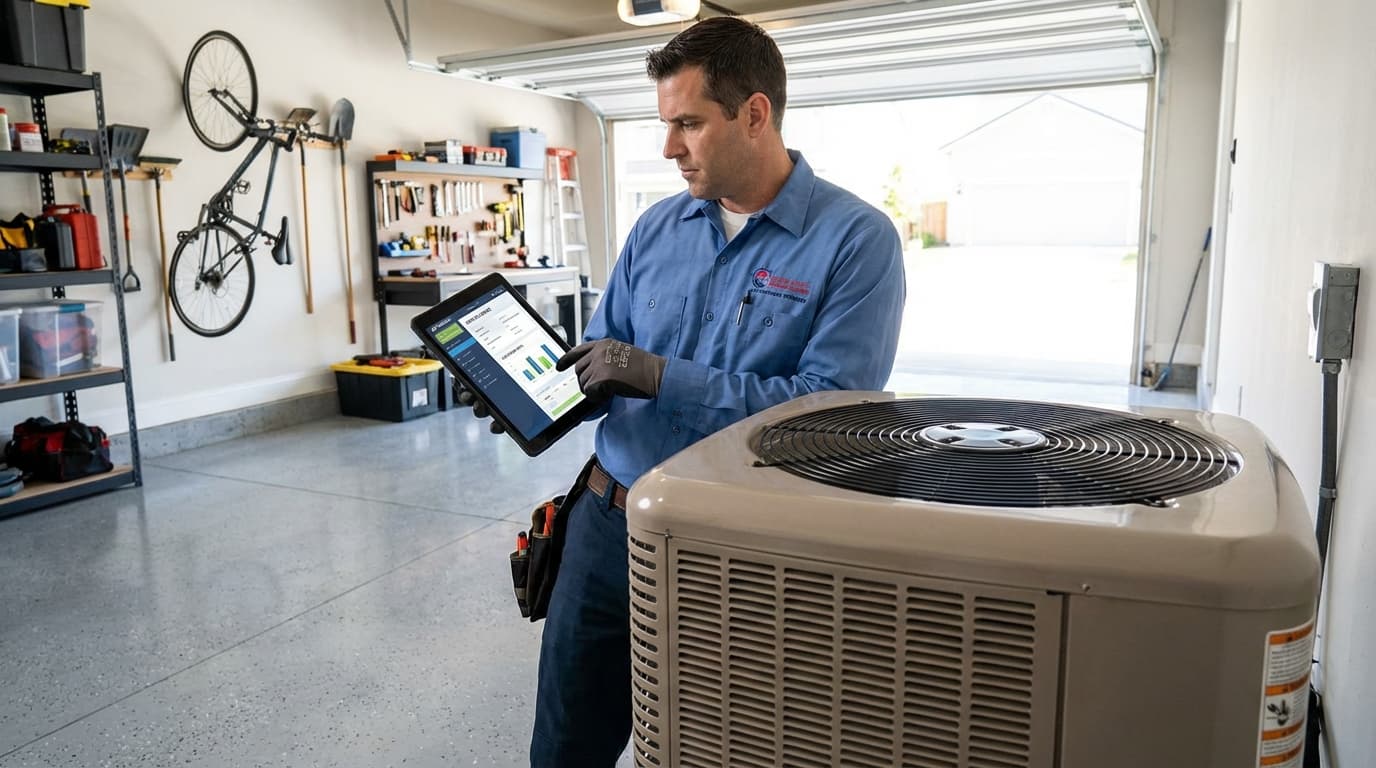
Your techs spend zero hours at a desk. They need:
- Customer history on-screen before knocking
- Photo upload for equipment issues
- Digital invoicing and payment collection
- Next appointment details without calling the office
- Offline mode for basements and crawl spaces
If the mobile app feels like an afterthought, skip the platform. Period.
2. Equipment Tracking That Makes Sense
When your tech arrives at a service call, they should see:
- Make, model, serial number of every unit
- Installation date and warranty status
- Complete service history
- Previous issues and solutions
- Customer preferences (like "uses side door, ring twice")
This turns every service call into a consultative conversation. No more starting from scratch every time.
Similar tracking patterns appear in CRM for HVAC companies across all business sizes.
3. Automated Follow-Up (Set It and Forget It)
You're too busy to remember to email Mrs. Johnson about her spring AC tune-up.
The system should automatically:
| When This Happens | System Does This | Timing |
|---|---|---|
| AC install complete | Spring tune-up reminder | 6 months |
| Furnace repair done | Fall maintenance offer | 4 months |
| Estimate sent | Follow-up task created | 3 days |
| Maintenance contract expires soon | Renewal sequence starts | 60 days before |
| Service completed | Thank you + review request | 24 hours |
Contractors see 25-35% more repeat business after turning on automated follow-up. That's the difference between surviving and thriving.
4. Maintenance Contract Dashboard
Maintenance contracts are your profit engine.
A one-time service call generates $150-500. A maintenance contract customer produces $800-2,400 annually through scheduled visits, priority service, and equipment upgrades.
Your home service CRM should show:
- Which contracts expire in the next 60 days
- How many pre-paid visits each customer has left
- Payment status and auto-renewal settings
- Contract value forecasting
- Renewal rate by month
200 active contracts = $150,000-300,000 in predictable revenue. Don't manage that in a spreadsheet.
5. Smart Scheduling and Dispatch
Route optimization isn't sexy. It's profitable.
The difference between 4 service calls per day and 5 calls per technician:
- 1 extra call × 5 days × 50 weeks = 250 additional jobs
- 250 jobs × $600 average = $150,000 more revenue
- Per tech. Per year.
Look for:
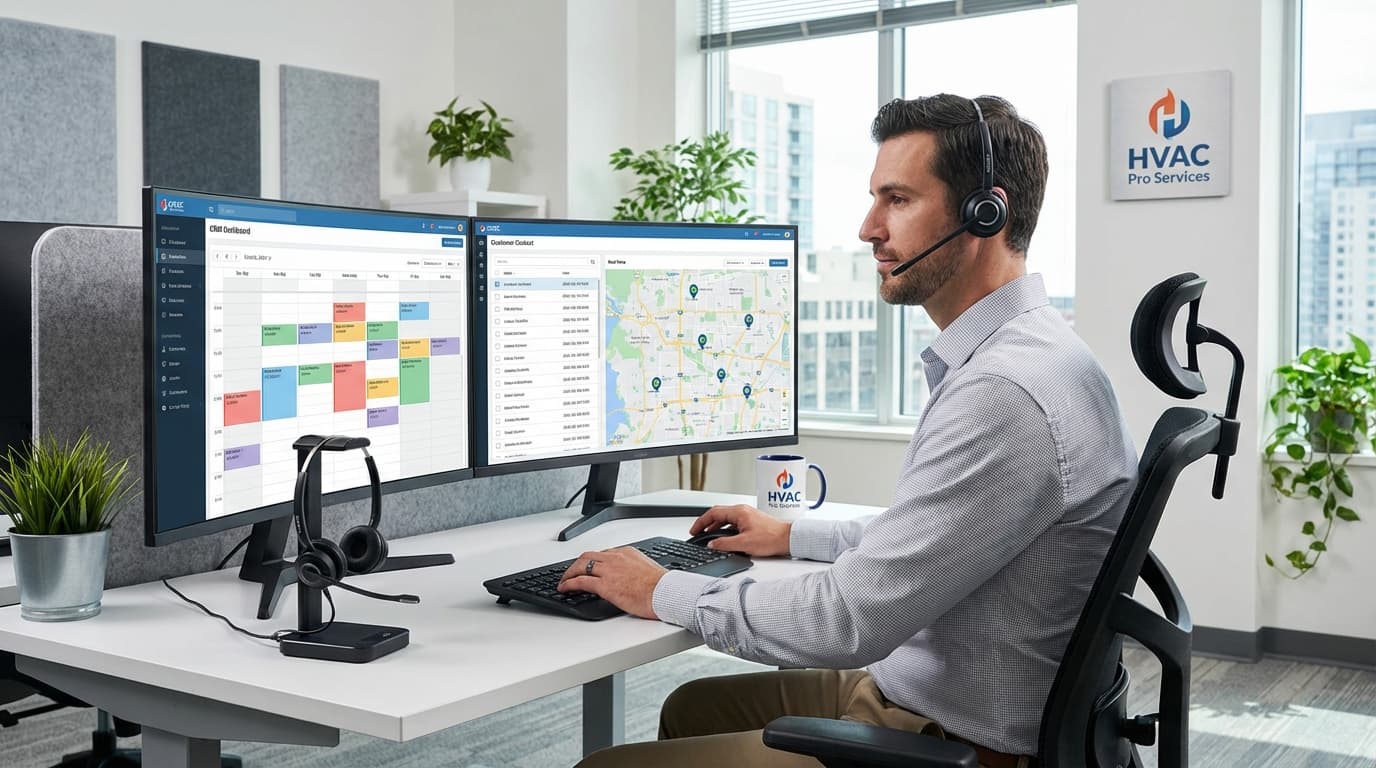
- Calendar showing all tech availability at a glance
- Drag-and-drop job assignment
- Route optimization based on geography
- Customer appointment confirmations via text
- Conflict alerts for double-bookings
Best CRM Options for Small HVAC Contractors (Real Talk)
Here's what small shops actually use, not what the industry publications recommend.
TruLine Sales Coach
Best for: HVAC contractors who run paid ads and want to close more equipment replacements
TruLine combines CRM with real-time sales coaching. When your tech is at a service call discussing a furnace replacement, the system guides them through the conversation.
What you get:
- AI-powered scripts for equipment replacement talks
- Lead response tracking (shows exactly where paid ad money goes)
- Facebook Lead Ads + Google LSA integration
- Mobile app with offline mode
- Automated follow-up sequences
Real cost: $97/month per user
Who picks this: Shops running $1,000+/month in advertising who need to convert more leads into jobs.
Jobber
Best for: Budget-conscious 1-2 person operations
Jobber keeps things simple. No fancy features. Just solid CRM and scheduling at a price solo contractors can afford.
What you get:
- Client portal for appointment scheduling
- Quote and invoice generation
- Basic email and SMS communication
- QuickBooks integration
- Simple reporting
Real cost: $49/month for 1 user
Who picks this: Solo techs or 2-person shops focused on residential service who don't need advanced automation.
Housecall Pro
Best for: Teams that work exclusively from phones
If your techs never touch a computer, Housecall Pro's mobile app handles everything.
What you get:
- GPS tracking and smart routing
- Mobile payment processing
- Digital customer signatures
- Automated review requests
- Marketing tools built in
Real cost: $59/month per user
Who picks this: Small teams where everyone needs full CRM access from their phones.
Similar functionality patterns appear in CRM for plumbers features and other trades.
ServiceTitan
Best for: Growing companies ready for enterprise features (5+ trucks)
ServiceTitan is the industry heavyweight. It does everything. But it's overkill for small shops.
What you get:
- Comprehensive pricebook integration
- Revenue and job costing analytics
- Marketing attribution tracking
- Customer financing integration
- Technician performance scorecards
Real cost: $300-500/month minimum (custom pricing)
Who picks this: HVAC businesses with 5+ trucks and dedicated office staff to manage the system.
Feature Comparison (What Actually Matters)
| Feature | TruLine | Jobber | Housecall Pro | ServiceTitan |
|---|---|---|---|---|
| Mobile app quality | Excellent | Good | Excellent | Excellent |
| Works offline | Yes | Limited | Yes | Yes |
| Equipment tracking | Good | Basic | Good | Excellent |
| Automated follow-up | Excellent | Basic | Good | Good |
| Sales coaching | Yes | No | No | No |
| Learning curve | 2 hours | 1 hour | 2 hours | 8+ hours |
| Starting price | $97/mo | $49/mo | $59/mo | $300+/mo |
| Best for | 1-10 trucks | 1-3 trucks | 1-5 trucks | 5-50+ trucks |
How to Pick the Right System in 4 Steps
Step 1: Identify Your Biggest Problem
Small HVAC shops struggle with one primary issue:
- Lead follow-up - Ads generate leads but conversion sucks
- Repeat business - Customers never call back
- Scheduling chaos - Double bookings and inefficient routes
- Admin overload - You spend more time on paperwork than wrenching
- Techs can't sell - Service calls don't turn into equipment replacements
Your biggest problem determines which CRM you need.
Step 2: Test Mobile Function in Real Conditions
Download the app. Turn off WiFi. Go to a customer's basement.
Try to:
- Access customer history
- Update job status
- Process a payment
- View next appointment
- Upload a photo
If any of these fail, the system won't work for your team.
Step 3: Calculate Real Costs
CRM pricing is never what they advertise. Here's the real cost:
- Monthly subscription × number of users
- Implementation and setup fees
- Data migration from spreadsheets
- Training time (your hourly rate × hours spent)
- Integration with QuickBooks
- Payment processing fees (2.5-3% per transaction)
A 3-person shop should budget $200-400/month all-in.
Step 4: Run a 30-Day Trial With Actual Workflows
Don't explore features. Test real workflows:
- Create customer record with equipment details
- Schedule maintenance appointment
- Generate service estimate
- Process mobile payment
- Set up automated follow-up sequence
- Run report on open estimates
- Test mobile app from customer location
- Integrate with QuickBooks
If anything feels clunky, you won't use it daily. Pick something else.
Implementation Timeline (Don't Rush This)
Most CRM failures happen because owners try to change everything at once.
Week 1-2: Customer Data Migration
Import customer info from spreadsheets or old software. One person owns data quality.
Essential fields:
- Name and contact info
- Service address (often different from billing)
- Equipment details (make, model, install date)
- Service history
- Maintenance contract status
Week 3-4: Daily Workflow Adoption
Shift basic activities to the CRM:
- Creating appointments
- Accessing customer history before calls
- Updating job status after completion
- Generating invoices
Don't turn on automation yet. Master the basics first.
Week 5-8: Automation Activation
Add automated workflows one at a time:
- Week 5: Post-service thank you email
- Week 6: Review request automation
- Week 7: Seasonal maintenance reminders
- Week 8: Contract renewal sequences
Month 3+: Advanced Features
Only after 2 months of solid usage:
- Custom reporting and dashboards
- Marketing campaign tracking
- Technician performance analytics
- Customer segmentation
The phased approach prevents overwhelm and ensures your team actually uses the system.
Common Mistakes (Don't Do These)
Mistake 1: Choosing Features Over Usability
The platform with the most features rarely wins.
Warning signs:
- Training takes more than 2 hours per employee
- Common tasks require multiple clicks
- Mobile app is missing critical functions
- You need to watch tutorial videos to understand basic operations
Simple systems that get used daily beat sophisticated platforms that sit ignored.
Mistake 2: Skipping Integration Setup
Your CRM should connect to:
- QuickBooks/Xero - Syncs invoices and payments
- Google/Apple Calendar - Prevents double-booking
- Facebook/Google Ads - Tracks lead sources and ROI
- Google Business - Automates review requests
Integration takes upfront work but eliminates duplicate data entry forever.
Mistake 3: Not Enforcing Consistent Usage
CRM only works when everyone uses it. Every time.
Enforcement strategies:
- Make CRM the single source of scheduling truth
- Require job status updates before processing payroll
- Generate performance reports from CRM data
- Remove alternative tools (paper schedule books, personal spreadsheets)
Strong initial enforcement creates habits that stick within 4-6 weeks.
ROI Timeline (When Results Show Up)
| Timeframe | What Happens | Revenue Impact |
|---|---|---|
| Month 1 | Fewer scheduling conflicts, faster customer lookup | Minimal |
| Month 2-3 | Better follow-up, fewer missed appointments | 5-10% increase |
| Month 4-5 | Repeat business improves, contracts renew | 15-25% increase |
| Month 6+ | Optimized routes, data-driven decisions | 25-40% increase |
Break-even typically happens in months 4-6. Shops running paid ads see faster returns because lead tracking improves conversion immediately.
Real-World Examples
Converting Service Calls to Maintenance Contracts
Before CRM:
Tech fixes furnace. Offers maintenance contract. Customer says no. Tech leaves. Customer never hears from you again.
Conversion rate: 15%
After CRM:
- System flags customer as "maintenance opportunity"
- Automated email sequence sends educational content
- After 30 days, owner gets task to call with seasonal discount
- Contract enrollment triggers automated service scheduling
Conversion rate: 35-45%
Revenue impact: 60 service calls × 30% increase = 18 more contracts × $1,200 = $21,600
Emergency Call Dispatch
Before CRM:
Saturday afternoon. AC failure call. You manually check who's working, call techs to see who's closest, relay customer info over phone.
Response time: 3-4 hours
After CRM:
- Customer calls, system shows equipment history instantly
- Live schedule view shows which techs work weekends + current GPS location
- System suggests closest available tech
- Automated text confirms appointment, alerts tech with job details
- Tech accesses customer history from mobile app en route
Response time: 45-90 minutes
Business impact: Faster response = higher customer satisfaction = more referrals
Seasonal Campaign Management
Before CRM:
Spring approaching. You want to contact past AC customers. You manually search old invoices, create list in spreadsheet, spend 2 days calling.
Bookings: 40 tune-ups
After CRM:
- System identifies all customers with AC units serviced last year
- Automated email campaign sends tune-up offers with booking links
- Non-responders get follow-up text after 1 week
- Dashboard tracks response rates and available slots
Bookings: 64 tune-ups (60% increase)
Time investment: 30 minutes to launch campaign
FAQ
What's the cheapest good CRM for small HVAC business?
Jobber at $49/month offers solid basic functionality. But "cheapest" often backfires. TruLine at $97/month or Housecall Pro at $59/month deliver better ROI through automation that increases repeat business. One additional maintenance contract per month ($100/month) pays for the upgraded system. Calculate CRM cost against revenue gained, not just monthly fee.
How long does CRM implementation take?
4-6 weeks for basic implementation following a phased approach. Week 1-2: customer data migration. Week 3-4: daily workflow adoption. Week 5-6: automation setup. Full optimization with advanced features takes 3 months. Companies that rush implementation see low adoption and poor results. Budget 2 hours training per employee and expect a learning curve the first month.
Do HVAC CRMs integrate with QuickBooks?
Yes. Most modern HVAC CRM platforms integrate with QuickBooks Online and Desktop. Integration syncs customer info, invoices, and payment data between systems, eliminating duplicate data entry. Setup requires connecting accounts and mapping data fields. Some platforms like ServiceTitan offer native accounting features that may reduce dependence on separate accounting software for small shops. Verify integration during your trial period.
Can I use the same CRM for residential and commercial HVAC?
Yes, but commercial work needs additional features. Residential HVAC focuses on quick service calls and maintenance contracts. Commercial requires multi-location tracking, equipment inventory management, and complex billing structures. If you do both, choose a system that handles commercial complexity (like ServiceTitan) or use separate tools for each. Don't force residential-focused systems to handle commercial workflows.
What happens if I switch CRMs later?
Switching CRMs is painful but possible. Most platforms export customer data as CSV files. You'll lose custom workflows, automation sequences, and historical data relationships. Plan on 2-4 weeks to migrate data and retrain staff. This is why choosing the right system upfront matters. Pick something that can grow with you to avoid switching later.
Making the Decision: Your Next Steps
The best CRM for small HVAC business operations matches your specific challenges and growth goals.
Your action plan:
- Identify your biggest problem - Lead follow-up, repeat business, scheduling, or selling
- Shortlist 2-3 platforms that solve your primary pain point
- Test real workflows during free trials, not just features
- Involve your techs in evaluation so mobile functionality meets field needs
- Calculate total costs including setup, training, and integrations
- Commit to 90 days before evaluating ROI
Small HVAC companies with proper CRM systems see measurable improvements in customer retention, technician efficiency, and revenue per customer.
The difference between a $400,000 annual revenue operation and a $600,000 operation often comes down to consistent customer follow-up and maintenance contract management that only systematic CRM tools enable.
Similar principles apply across home services. Check out CRM for roofing companies for another trade perspective on customer management.
Ready to stop losing $47,000 annually to poor follow-up? Start your free trial with TruLine and see how sales coaching combined with CRM automation helps small HVAC contractors close more equipment replacements and retain more maintenance contract customers.