Here's what nobody tells you about running an HVAC company: you're not losing jobs because of price. You're losing them because you called back three hours too late.
I talked to an HVAC contractor last week. He spent $4,200 on Google Ads in July. Got 73 leads. Closed 11 jobs.
That's a 15% conversion rate. Industry average is 25-35%.
He wasn't bad at sales. His follow-up system was killing him.
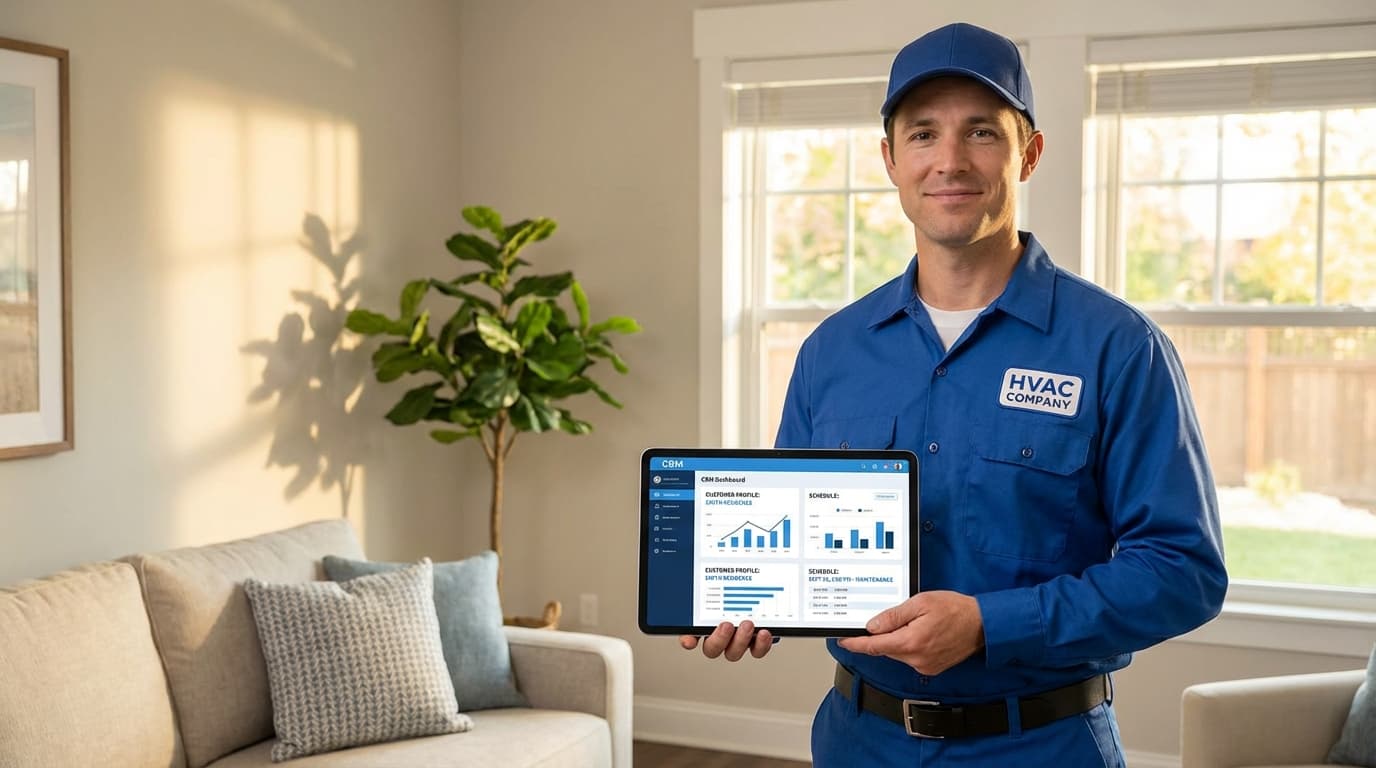
A CRM for HVAC companies fixes this problem by automating the exact moment that makes or breaks your business: the five minutes after someone fills out your contact form. It handles dispatch when three emergencies hit at once. It reminds customers their maintenance is due before they forget. It tracks which 12-year-old units are ready for replacement.
The difference between surviving and thriving in HVAC? It's not your technical skills. It's how fast you respond and how well you stay in front of customers after the install is done.
Let's talk about what actually matters.
Why Generic CRMs Fail HVAC Companies
You cannot manage an HVAC business with Salesforce.
Well, you can. But you'll spend $30,000 customizing it and still won't have equipment history tracking that makes sense.
Here's why standard CRMs miss the mark:
Your business runs on equipment, not just customers. When Mrs. Johnson calls about her AC, you need to know she has a 2018 Carrier 16-SEER unit that had a capacitor replaced last summer. Generic CRMs store customer names. They don't store serial numbers, service histories, and warranty dates.
You handle emergencies, not just appointments. When it's 97 degrees outside and 15 people need AC repair today, you can't treat every call equally. You need priority routing. You need to know which technician is closest. You need to auto-text everyone in the queue with realistic wait times.
Your revenue comes from recurring maintenance, not one-time sales. The real money in HVAC is getting that customer on an annual maintenance agreement. Then reminding them automatically. Then renewing them before they even think about it. Generic CRMs weren't built for this workflow.
The math tells the story:
A home service CRM built for trades like HVAC delivers results that generic systems can't match:
- 34% faster response times (industry data from ServiceTitan's 2025 benchmark report)
- 28% higher maintenance contract renewal rates
- 41% of service calls convert to equipment sales when technicians have instant history access
What Makes HVAC CRM Software Different
The right CRM for HVAC companies handles these four workflows automatically:
1. Equipment Asset Tracking
Every piece of HVAC equipment you touch should live in your system. Not just noted in a file. Tracked with:
- Install date and original installer
- Brand, model, serial number
- Complete service history with parts replaced
- Photos from every visit
- Warranty status with expiration alerts
- Efficiency ratings and energy consumption data
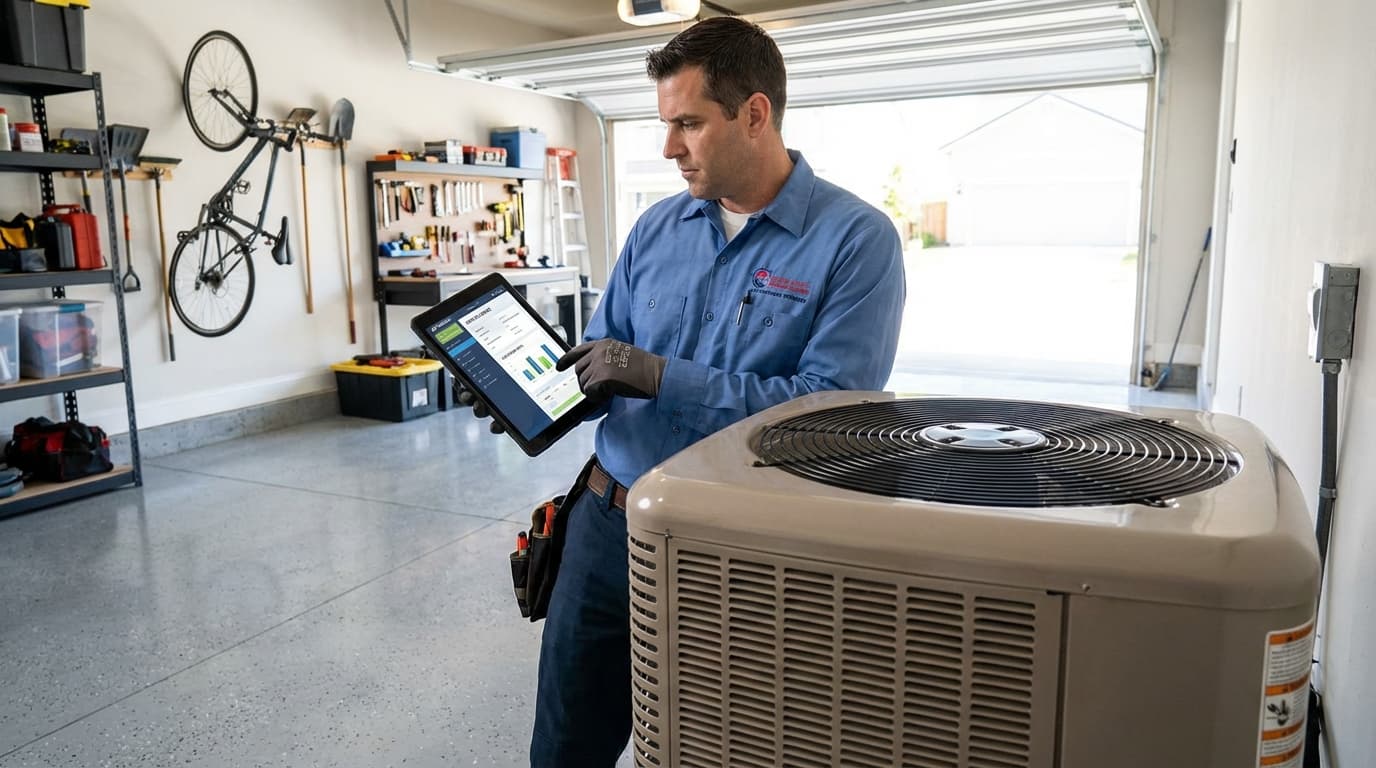
When your technician shows up, they see the full story before knocking. No "let me call the office." No asking the customer to dig up old paperwork. Just immediate context that makes you look professional and saves time.
2. Intelligent Dispatch That Actually Works
Friday afternoon. Temperature hits 96 degrees. Your phone explodes with no-cooling calls.
You have 6 technicians. You have 23 emergency requests.
Without the right system, chaos.
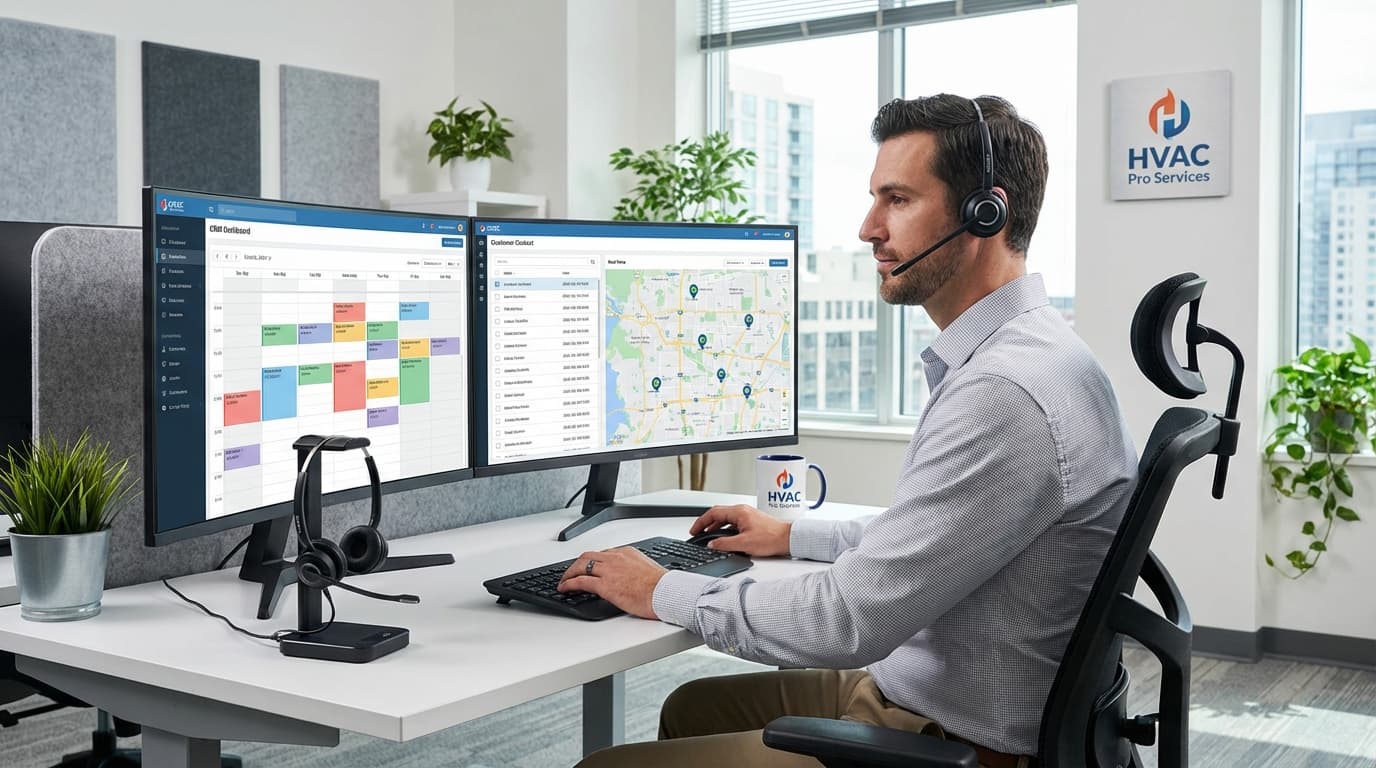
HVAC CRM software handles this automatically:
- Emergency calls jump the queue based on priority rules you set (elderly customers, medical needs, commercial clients)
- GPS routing sends technicians to the closest call, not the first one that came in
- Bulk SMS updates tell every customer in the queue their realistic wait time
- Overflow scheduling books tomorrow's slots before customers call competitors
One contractor told me he saved 90 minutes of drive time per technician per day after implementing GPS dispatch. That's an extra 1-2 jobs daily across his crew.
3. Service Agreement Automation
This is where the real money lives.
Companies with 40%+ of customers on maintenance plans don't experience feast-or-famine seasonal revenue. They have predictable monthly income that keeps the lights on during slow months.
But maintaining 200+ annual agreements manually? Good luck.
Your CRM should handle this entirely:
- Automatically schedule maintenance visits based on contract terms
- Send reminder texts/emails before each scheduled service
- Flag contracts 90 days before expiration with automated renewal campaigns
- Track which customers are due for equipment upgrades
- Calculate upsell opportunities based on equipment age and repair frequency
If you're managing maintenance contracts in a spreadsheet, you're leaving 30-40% of potential renewals on the table. That's just reality.
Looking at how other home service trades handle this? Check out how CRM for plumbers manages recurring maintenance in the plumbing industry—same principles apply.
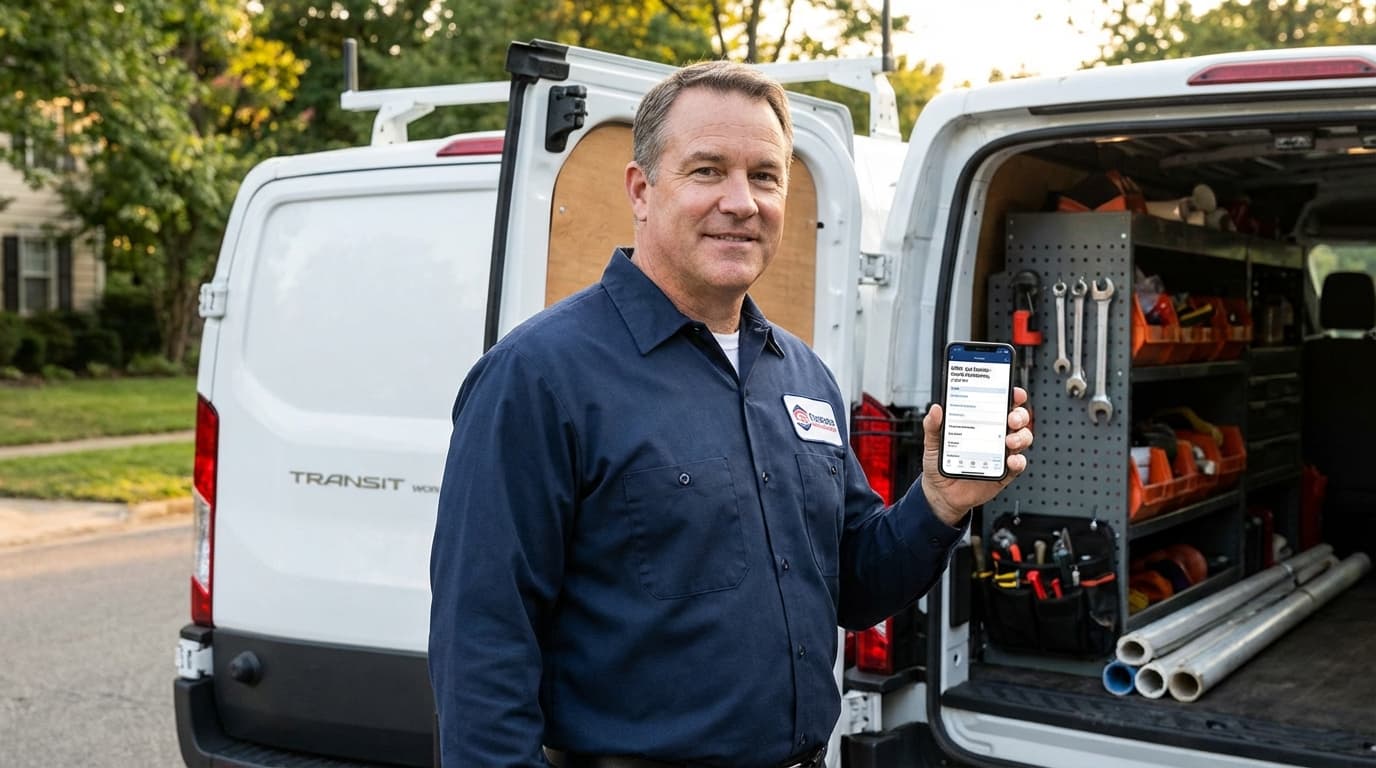
4. Mobile-First Technician Access
Your techs live in basements and attics. Often without cell signal. If your CRM requires constant internet connection, it's useless.
Mobile app must-haves:
| Feature | Why It Matters |
|---|---|
| Offline mode | Works in basements without signal |
| Digital forms | Signatures and photos captured on-site |
| Payment processing | Collect payment before leaving |
| Instant quoting | Price additional work while you're there |
| Parts inventory access | Know what's in the truck and warehouse |
One HVAC company increased same-day payment collection from 38% to 87% after giving techs mobile payment processing. Customers pay when you're standing there. They "forget" when you email an invoice three days later.
Real Scenarios Where HVAC CRM Saves Your Business
Let's get specific.
Scenario: The Summer Emergency Rush
The problem: Thursday afternoon in July. Temperature climbs to 95 degrees. By 3pm you have 18 emergency no-cooling calls. You have 5 technicians. Manual dispatch means your office manager is drowning in calls while techs sit waiting for assignments.
How CRM fixes it:
The system automatically:
- Prioritizes calls based on urgency rules (medical needs, elderly, commercial vs. residential)
- Routes based on GPS location—sends closest available tech
- Sends bulk SMS to everyone in queue: "You're #7 in line. Estimated arrival 4:30-5:30pm"
- Identifies calls that can be resolved via phone troubleshooting (reset breakers, check thermostats)
- Books overflow into first-available Saturday morning slots
The result: You handle the rush without losing customers to "I'll just call someone else."
Scenario: Maintenance Contract Renewals
The problem: You have 240 annual maintenance agreements expiring in the next 60 days. Tracking this manually means half of them lapse before you notice.
How CRM fixes it:
90 days before expiration:
- First reminder email sent automatically
- Account flagged in dashboard for sales team review
60 days before expiration:
- Second email with "renew now" discount offer
- High-value contracts get prioritized in team's task list
30 days before expiration:
- Personal phone call from your team
- Final email with one-click renewal link
The result: Renewal rates jump from 58% to 81% through systematic follow-up. That's an extra 55 customers staying on maintenance plans. At $400/year each, that's $22,000 in recurring revenue you would have lost.
Scenario: The Equipment Replacement Conversation
The problem: Your tech services a 15-year-old AC unit. It's on its last legs. Customer should replace it but you don't have data to make the case convincingly. Opportunity missed.
How CRM fixes it:
While standing in the customer's home, your tech's tablet shows:
- Complete service history: $2,800 spent on repairs over past 3 years
- Energy efficiency loss calculation: customer paying $65/month extra on electricity
- Instant replacement quote with financing options
- Side-by-side comparison: keep repairing vs. replace now
The result: You turn 41% of routine service calls into equipment sales conversations because you have data that makes the decision obvious.
Similar to how electrical contractors use service history to recommend panel upgrades, HVAC companies need equipment history to drive replacement sales.
Features That Actually Matter vs. Marketing Fluff
When you demo HVAC CRM software, vendors will show you 100 features. Most you'll never use.
Focus on these core capabilities:
Must-Have (Don't Buy Without These)
- ✅ Customer and equipment database with full service history
- ✅ Mobile app with offline mode for technicians
- ✅ Scheduling and GPS-optimized dispatch
- ✅ Service agreement tracking with automated reminders
- ✅ Text/email notifications to customers
- ✅ Digital invoicing with integrated payment processing
- ✅ Basic reporting (response time, conversion rates, revenue by tech)
Nice-to-Have (Add Later as You Grow)
- Marketing automation for seasonal campaigns
- Advanced capacity planning tools
- Multi-location management
- Custom reporting and business intelligence dashboards
- Integration with accounting software (QuickBooks, Xero)
The trap: Buying enterprise features when you have 8 technicians. You pay for complexity you don't need and never use.
The fix: Start with essentials. Master those. Add advanced features when your team is ready.
Pricing Reality: What HVAC CRM Actually Costs
Vendors advertise "$49/user/month" then hit you with implementation fees, training costs, and integration charges that triple the price.
Typical pricing structures:
| Model | Best For | Real Cost |
|---|---|---|
| Per-user monthly | Small teams (2-8 techs) | $65-180/user/month all-in |
| Per-job fee | High-volume companies | $3-10 per completed job |
| Flat rate | Mid-size (8-20 techs) | $500-2,200/month total |
Hidden costs that blindside HVAC companies:
- Implementation and data migration: $1,500-8,000 one-time
- Training for office staff and technicians: 20-40 hours of productive time
- Mobile devices if techs don't have smartphones: $200-400 per tech
- Payment processing fees: 2.6-3.5% of every transaction
- Integration costs for QuickBooks, email marketing: $50-200/month extra
Calculate your true first-year cost. A system with higher monthly fees but included training often costs less than "cheap" software that requires expensive consultants to set up.
For smaller operations, consider options designed for small HVAC businesses that balance power with simplicity and don't force you to pay for enterprise features you don't need.
Implementation: Don't Rush This Part
The best CRM fails if your team won't use it.
Most HVAC companies screw this up by buying software Friday, expecting everyone to use it Monday. Doesn't work.
Realistic 8-week rollout plan:
Weeks 1-2: Prep phase
- Clean your existing customer data (fix duplicates, update phone numbers)
- Document current workflows so you know what needs to change
- Identify your three biggest pain points to solve first
Weeks 3-4: System setup
- Configure service types and pricing
- Import customer and equipment data
- Set up user accounts and permissions
- Create service agreement templates
- Integrate payment processing
Weeks 5-6: Training
- Office staff learns dispatch and scheduling
- Technicians practice mobile app in test environment
- Run parallel systems temporarily (old + new) to catch problems
Weeks 7-8: Full deployment
- Switch entirely to new system
- Daily check-ins to address questions immediately
- Monitor adoption—who's using it, who's resisting, why
Common adoption killers and fixes:
| Barrier | Fix |
|---|---|
| "The old way works fine" | Show them real data: time saved, revenue gained |
| Techs resist mobile app | Start simple—just viewing jobs. Add features gradually. |
| Data entry takes too long | Use templates and automation to minimize typing |
| System feels complicated | Train on daily tasks only, not every feature |
One contractor tied mobile app usage to performance reviews and offered bonuses for digital invoice submission. Hit 92% technician adoption in 6 weeks.
Metrics That Prove ROI
Track these numbers to show whether your CRM investment pays off:
Operational efficiency:
- Average response time from call to arrival
- First-call resolution rate (fixed on first visit)
- Daily jobs completed per technician
- Percentage of time spent driving vs. working
- Customer no-show rate
Revenue metrics:
- Maintenance contract conversion rate (one-time to recurring)
- Annual contract renewal rate
- Average ticket value per service call
- Service-to-sales conversion rate (calls that become equipment sales)
- Days to payment collection
Customer satisfaction:
- Net Promoter Score (would they recommend you?)
- Online review ratings (Google, Yelp)
- Referral source tracking (how many come from existing customers?)
Most HVAC companies see measurable improvement within 60-90 days of implementing proper CRM. If you're not seeing results by month three, something's wrong with your setup or training.
Common HVAC CRM Mistakes
Mistake #1: Choosing based on price alone
The cheapest CRM costs more when it lacks critical features, requires expensive workarounds, or forces you to switch systems in 18 months.
Mistake #2: Skipping the trial period
Never buy without testing it with your actual workflows. Request trials that include mobile app access and vendor support during evaluation. Run a real service day through the system.
Mistake #3: Ignoring integrations
If your CRM doesn't connect with QuickBooks, your marketing platform, or phone system, you create data silos and duplicate entry work. Check integration capabilities before buying.
Mistake #4: Underestimating training
Budget time and money for proper training. Poor adoption negates any software advantages. Plan for 3-4 hours of training per person minimum.
Mistake #5: Buying features you won't use
Enterprise capabilities look impressive in demos but waste money if your 6-person company never needs them. Be honest about your actual requirements.
Frequently Asked Questions
How long does implementation take?
Plan for 6-8 weeks from purchase to full team adoption. Simple systems with clean data move faster. If you're coming from paper-based processes, add 2-4 weeks for data entry and workflow documentation. Rush implementations fail when teams lack proper training.
Can one CRM handle both residential and commercial customers?
Yes. Quality HVAC CRM systems manage both. Look for separate pricing structures, commercial contract management, and multi-location property tracking for commercial accounts. Some systems let you tag customer types for specialized workflows and reporting.
What happens to our data if we switch providers?
Reputable vendors allow data export in standard formats (CSV, Excel). Before signing contracts, verify export capabilities and any fees. Test this during your trial. Plan migration carefully—clean data before export, map fields to the new system, run parallel systems temporarily to catch issues.
Do we need to buy tablets for every technician?
Not necessarily. Most modern HVAC CRM apps work on smartphones. Tablets offer larger screens for signatures and viewing equipment diagrams, but smartphones handle core functions. Many companies start with phones, then upgrade top performers to tablets based on job complexity.
Take Control of Your HVAC Operations
A CRM for HVAC companies stops revenue leaks that most contractors don't even know exist.
You're losing leads to slow follow-up. You're missing maintenance contract renewals because tracking them manually doesn't scale. You're leaving upsell opportunities on the table because techs don't have equipment history at their fingertips.
The right system fixes all three problems automatically.
It responds to leads in under 5 minutes while you're on a job site. It reminds customers their maintenance is due before they forget about you. It shows your techs exactly which 14-year-old units are costing customers money and ready for replacement.
Key takeaways:
- Specialized HVAC CRM software beats generic CRMs through industry-specific workflows for equipment tracking, emergency dispatch, and service agreements
- Mobile apps with offline mode and payment processing increase same-day collection by 50%+
- Automated maintenance reminders convert 40% more customers to recurring revenue plans
- Proper implementation and training matter more than feature lists—budget 6-8 weeks for rollout
- Track response time, conversion rates, and renewal percentages to measure ROI
Start by identifying your biggest leak: slow follow-up, lost maintenance renewals, or missed upsell opportunities. Choose the CRM that fixes that problem first. Master those core features before adding complexity.
Ready to stop losing leads to slow follow-up and convert more service calls into recurring revenue? Start your free trial with TruLine and see how HVAC-specific CRM features transform your operations in the first 30 days.