Lead Follow-Up Automation for Contractors: Never Miss Another Deal
Here's the thing nobody tells you about paid leads: 80% of deals close after the 5th follow-up attempt. Most contractors quit after 1.
You're not losing to better salespeople. You're not losing to lower prices. You're losing to contractors who simply don't give up.
I talked to a painter in Phoenix last month. He spent $1,800 on Facebook leads in January. Closed 3 jobs. $5,400 in revenue. That's a terrible return.
Then he set up lead follow-up automation for contractors. Same budget. Same ads. March results? 11 closed jobs. $34,000 in revenue.
What changed? He stopped losing leads at touch 2. The automation kept working when he couldn't.
Why You're Losing 70% of Your Leads
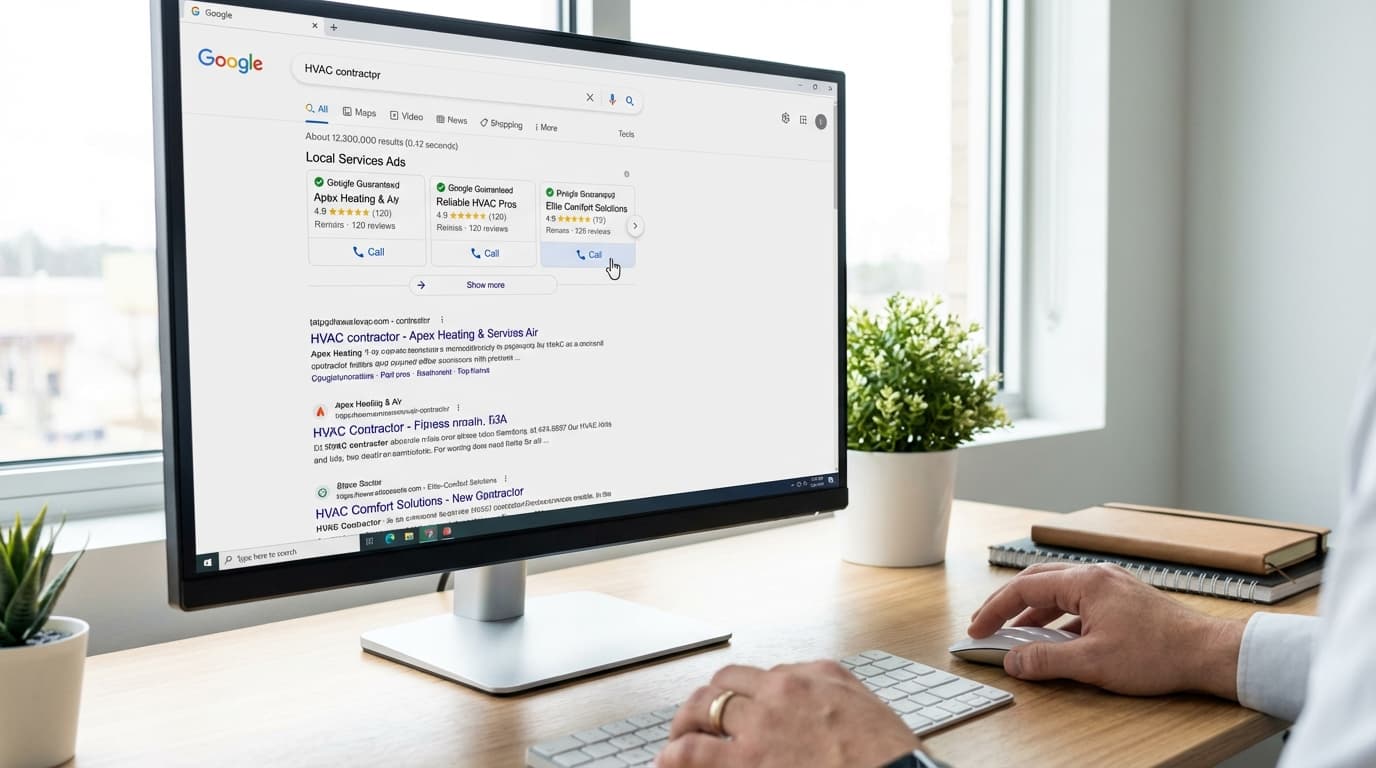
You pay $50-$120 per lead. You call once. Maybe twice. They don't answer. You move on.
That lead just cost you money. Zero return.
Here's what happens next: Your competitor calls that same lead 7 times over 10 days. Sends 4 emails. Drops 3 text messages. The homeowner finally responds on day 8.
Your competitor books the estimate. You never had a chance.
The leads aren't bad. Your follow-up is.
Most contractors fail at follow-up because:
- They call 1-2 times then give up
- They forget who needs follow-up and when
- They get busy on job sites and lose track
- They don't mix channels (only call OR only email)
- They have no system to stay consistent
This isn't a willpower problem. It's a systems problem. Lead follow-up automation for contractors fixes it.
What Lead Follow-Up Automation Actually Does
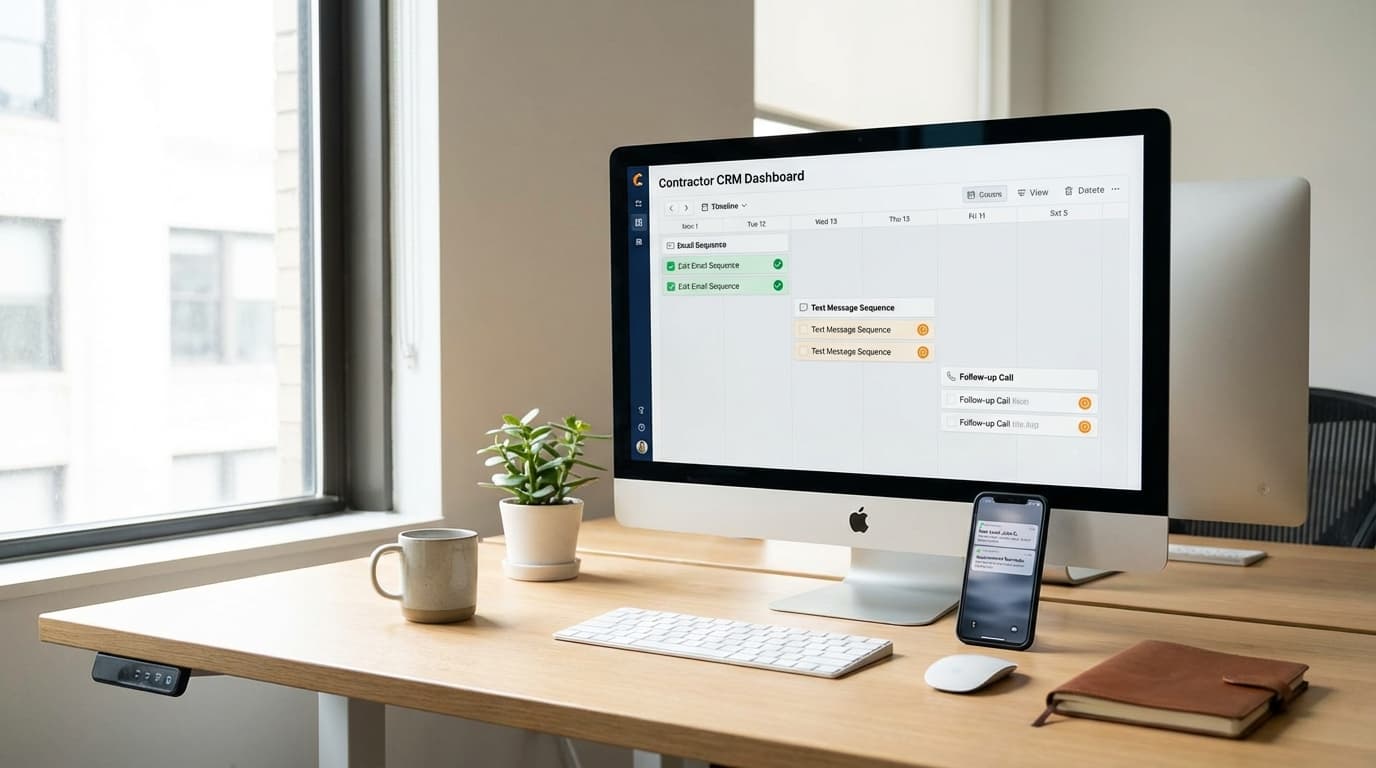
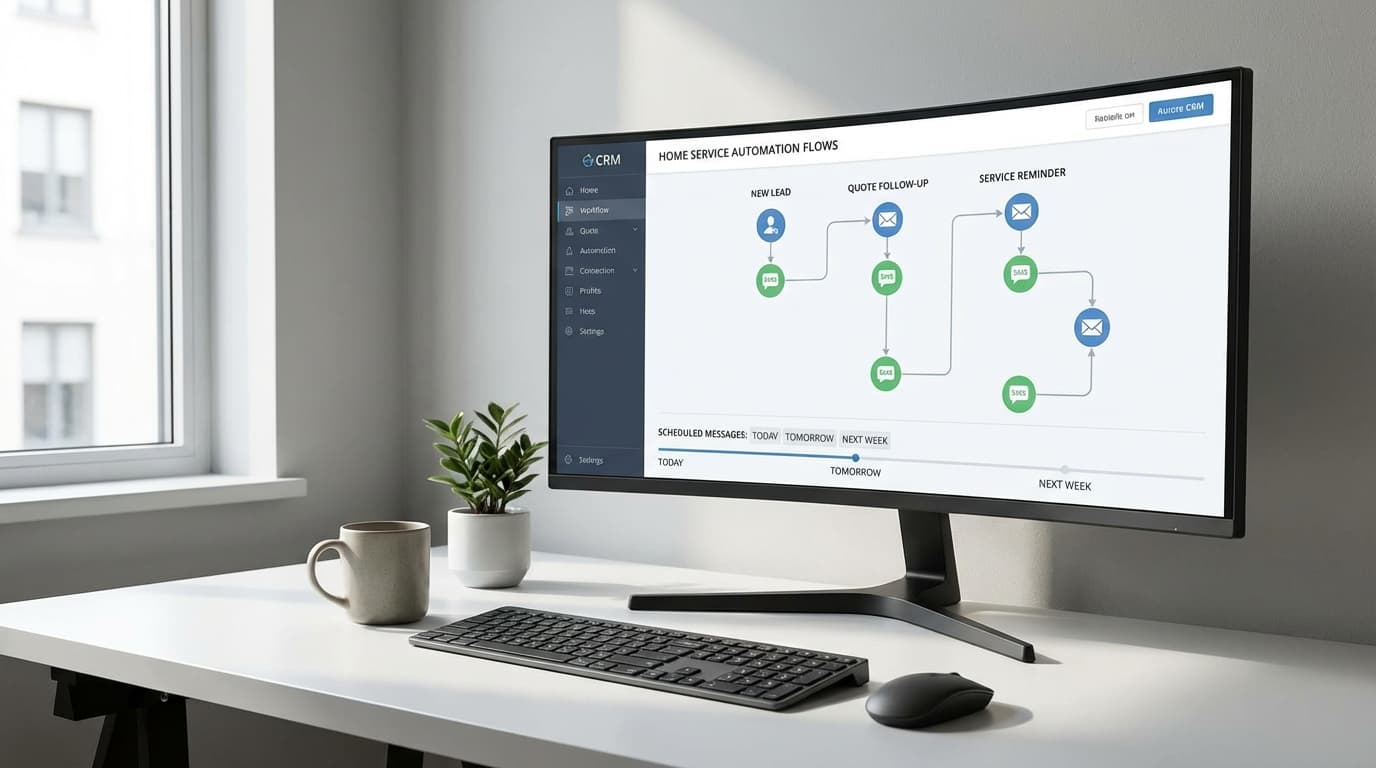
Lead follow-up automation for contractors handles the grunt work of staying in touch. When a lead comes in, the system:
- Sends an instant text and email (within 60 seconds)
- Triggers a phone call reminder for you
- Follows up automatically if they don't respond
- Mixes email, SMS, and call attempts
- Stops when they engage
- Tracks everything in one place
You focus on conversations with ready buyers. The system nurtures everyone else.
The result: More leads respond. More estimates get booked. More jobs get closed.
And it all happens whether you're on a ladder or in a meeting.
The 10-Touch Follow-Up Sequence That Converts
Most leads need 5-8 touches before they respond. Here's the exact sequence that works:
| Touch | Timing | Channel | What It Does |
|---|---|---|---|
| 1 | Instant (60 seconds) | SMS + Email | "Got your request, calling you soon" |
| 2 | 5 minutes | Phone | First live conversation attempt |
| 3 | 1 hour | SMS | "Couldn't reach you, here's my calendar" |
| 4 | Day 1 morning | Project examples and pricing info | |
| 5 | Day 2 | Phone | Second live attempt |
| 6 | Day 3 | SMS | Quick check-in with social proof |
| 7 | Day 5 | Case study from similar project | |
| 8 | Day 7 | Phone | Final live attempt |
| 9 | Day 10 | Last chance, create urgency | |
| 10 | Day 14 | SMS | "Still interested? Reply YES or NO" |
Why this works:
- You catch early buyers (touch 1-3)
- You nurture slow deciders (touch 4-7)
- You re-engage cold leads (touch 8-10)
Different people respond at different times. This sequence covers all of them.
The key? Mix your channels. If they ignore calls, they might respond to text. If email doesn't work, try SMS.
For faster initial contact, learn how to respond to leads faster in under 5 minutes.
Email Templates That Get Responses
Good automation doesn't sound automated. Here's what to send.
Touch 1: Instant Auto-Response
Subject: Got your request for [service] — here's what happens next
Hi [First Name],

Thanks for reaching out about [service] at [address].

I got your request. Here's what happens next:

✓ I'll call you in the next hour
✓ I'll send examples of similar work we've done
✓ We'll schedule your free estimate

My direct number is [phone]. Call or text me anytime.

Talk soon,
[Your Name]
Send this within 60 seconds of form submission. It beats 99% of your competitors who wait hours.
Touch 4: Day 1 Value Email
Subject: [First Name], here's what [service] typically costs in [city]
Hi [First Name],

Most homeowners in [city] spend $[range] on [service].

Here's what affects the price:
• [Factor 1] — adds/saves about $X
• [Factor 2] — most people choose [option]
• [Factor 3] — where quality matters most

I've attached photos from 3 recent projects near you.

Want to discuss your specific project? Call me at [phone] or reply to this email.

Best,
[Your Name]

P.S. — Projects like yours take about [timeframe] start to finish. I have estimate slots open [this week/next week].
You're educating, not selling. The pricing builds trust. The examples provide proof.
Touch 9: Day 10 Urgency Email
Subject: [First Name], still thinking about your [service] project?
Hi [First Name],

Haven't heard back about your [service] project at [address].

No worries if you hired someone else or timing isn't right.

But if you're still interested:
→ I have 2 estimate slots left this week
→ Next start date is [date] — then we're booked until [later date]
→ [Seasonal reason to act now, if applicable]

Reply YES or call [phone] to grab a slot.

If now's not the time, I'll check back in [timeframe].

Best,
[Your Name]

P.S. — Went with another contractor? I'd love to know why. Hit reply and tell me?
Creates urgency without being pushy. The P.S. sometimes gets honest feedback that helps you improve.
SMS Templates for Quick Engagement
Text messages get a 98% open rate. Email gets 20%. Use SMS strategically.
Touch 1: Immediate SMS
Hi [First Name], got your request for [service]. Will call you in the next hour. -[Your Name] at [Company]
Touch 3: One-Hour Follow-Up
[First Name], tried calling but missed you. Here's my calendar to book a time: [link]. -[Your Name]
Touch 6: Day 3 Social Proof
Hey [First Name], still want to discuss [service]? Just finished one in [neighborhood]: [photo link]. Call me: [phone]. -[Your Name]
Touch 10: Day 14 Re-Engagement
[First Name], last check-in on your [service] project. Still on your radar? Reply YES for times this week or NO to stop messages. -[Your Name]
SMS rules:
- Keep it under 160 characters
- Always sign your name
- Make opting out easy
- Never send more than 2 per day
Setting Up Your Automation System
You need three things: triggers, sequences, and tracking.
Step 1: Define Your Triggers
Automation starts when something happens:
| When This Happens | Start This Sequence |
|---|---|
| New lead form submitted | Full 10-touch sequence |
| Missed phone call | 3-touch callback sequence |
| Estimate sent | 5-touch proposal follow-up |
| Quote expires in 3 days | 3-touch urgency sequence |
Step 2: Build Your Sequences
Each sequence needs:
- Purpose — Book estimate? Get contract signed?
- Duration — 3 days? 2 weeks?
- Touchpoints — 5 touches? 10 touches?
- Exit rules — Stop when they respond or book
Step 3: Personalize Everything
Use merge fields so it doesn't sound robotic:
{first_name}— Their name{service}— What they asked about{address}— Property address{date}— Current date
Bad: "Dear customer, thanks for your inquiry."
Good: "Hi Sarah, got your request for kitchen painting at 445 Oak Street."
Step 4: Set Manual Override
Your system needs:
- Pause button when you have a live conversation
- Resume if they go quiet again
- Manual send for one-off messages
- Custom timing when you know they're available
When a lead responds, pause automation immediately. Nothing kills trust faster than getting an automated message right after you spoke.
Step 5: Track and Improve
Monitor these numbers monthly:
| Metric | Target |
|---|---|
| Response rate | 40-60% |
| Estimate booking rate | 25-35% |
| Email open rate | 25-35% |
| SMS response rate | 35-45% |
| Lead to customer conversion | 20-30% |
Test subject lines. Try different timing. See which channel works best.
Better home service lead qualification helps you focus on the right prospects.
Common Automation Mistakes
Mistake 1: Too Many Messages Too Fast
3 messages in one day feels spammy. Space touches 24-48 hours apart after the initial rapid sequence.
Mistake 2: Generic Copy
"Following up on your inquiry" gets ignored.
"Following up on the deck staining at 789 Maple — you mentioned weathering damage" gets responses.
Mistake 3: No Clear Next Step
Every message needs one clear action.
Weak: "Let me know if you have questions."
Strong: "Reply YES to book your estimate this week."
Mistake 4: Set It and Forget It
Review your automation monthly:
- Which messages get opened?
- Where do leads drop off?
- What questions do you get?
- How are conversion rates trending?
Update templates based on what works.
Real Results from Real Contractors
Painter in Phoenix:
- Before: 60 leads/month, 12 booked estimates (20%)
- After: Same 60 leads, 24 booked estimates (40%)
- Result: $47,000 extra revenue in 90 days
HVAC in Dallas:
- Before: 30% booking rate, 15 hours/week on manual follow-up
- After: 45% booking rate, 3 hours/week on follow-up
- Result: 12 hours saved weekly, 35% revenue increase
Kitchen remodeler in Atlanta:
- Before: 6-week sales cycle
- After: 4-week sales cycle (33% faster)
- Result: 8 more projects per year, $180k additional revenue
The pattern is clear. Automation captures leads that manual follow-up misses.
Your 30-Day Action Plan
Week 1: Foundation
- Track every lead for 3 days
- Document where leads fall through cracks
- Choose your automation software
- Set up accounts and integrations
Week 2: Build Templates
- Write all email templates
- Create SMS templates
- Script phone talking points
- Build your sequences
Week 3: Test
- Submit test leads
- Experience the full sequence yourself
- Fix timing and formatting issues
- Turn on for new leads only
Week 4: Optimize
- Review first 20 leads
- Check open rates and responses
- Identify what's working
- Expand to all lead sources
Month 2 and beyond: Review metrics monthly, A/B test messages, update seasonally.
Stop Losing Leads at Touch 2
Your competitors quit after 1-2 follow-up attempts. That's your advantage.
Lead follow-up automation for contractors ensures every lead gets 8-10 professional touches over 2 weeks. You're there when they're ready to buy.
The math:
- You spend $50-$120 per lead
- 70% need 5+ touches to respond
- Manual follow-up captures 20-30%
- Automation captures 40-50%
That's 15-20 more closed jobs per year for most contractors. At $5,000 average job value, that's $75,000-$100,000 in found revenue.
Action steps for today:
- Map your current follow-up (or lack of it)
- Calculate lost revenue from dropped leads
- Choose an automation tool
- Build your first sequence using these templates
- Test on 10 leads before full rollout
The contractor who wins isn't always the most skilled. It's the one who shows up consistently.
Ready to stop losing leads? Effective lead management for home services starts with automation that actually works.
Start your free trial — get your first sequence running in under 60 minutes with templates included.
About TruLine: We help home service contractors respond faster, follow up consistently, and close more deals with AI-powered automation and sales coaching. Purpose-built for painting, HVAC, roofing, plumbing, and remodeling businesses.